MyMail Help Page
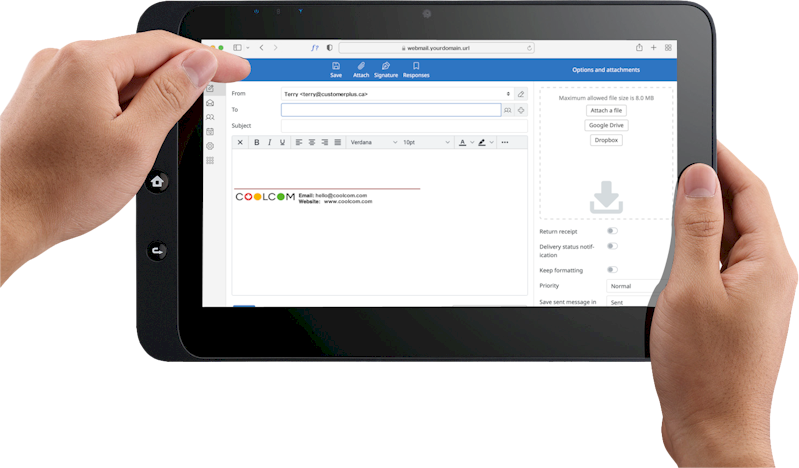
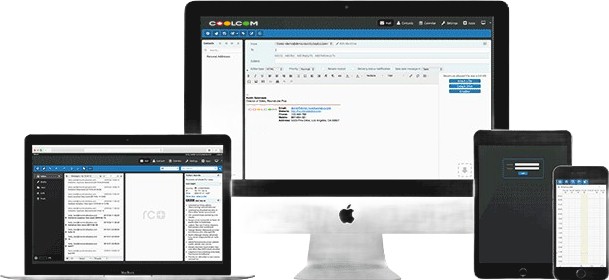
COOLCOM brings you intelligent WEBMAIL that gives you loads of control without all the settings and tweaks that set users back.
Click any topic to open/close each full walkthrough with screen captures. Click pictures to enhance.
The problem you're solving
Choosing a visual preference helps enhance your ability to use and understand the tools - which increases productivity.
How to Switch Skins
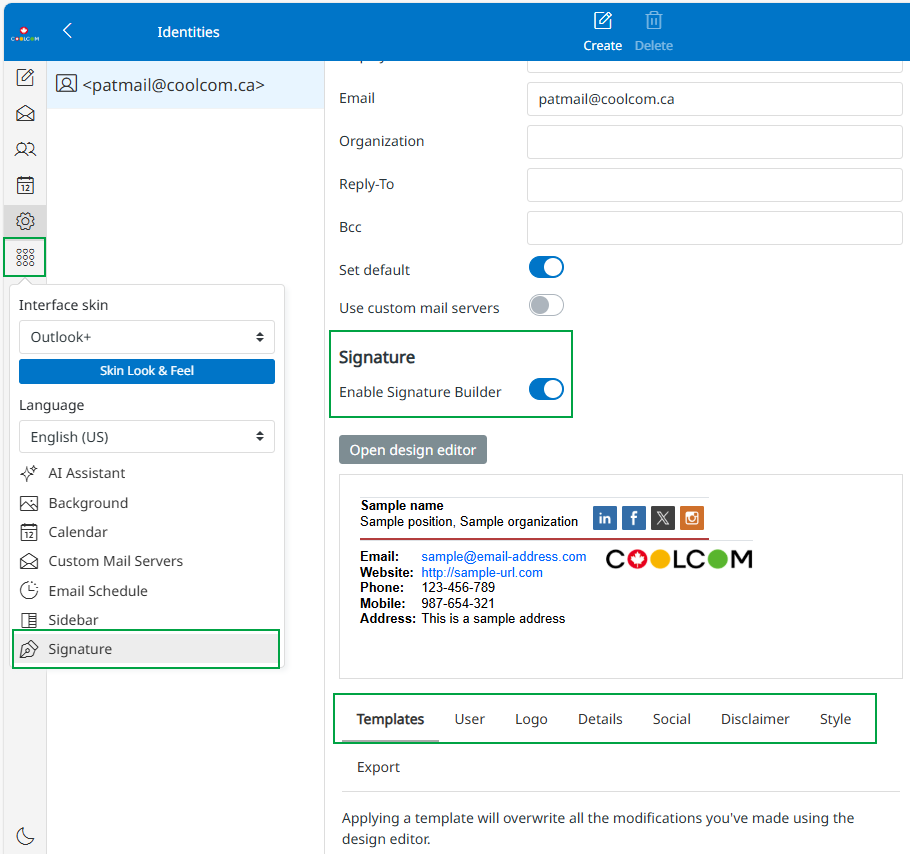
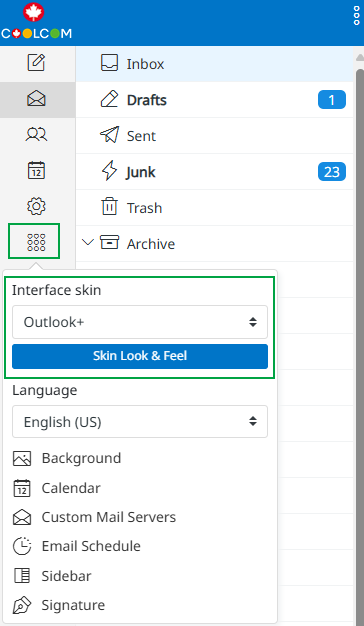
1. Look for the "options" icon.
2. Click the icon to open the Skin features selector and pick a Skin.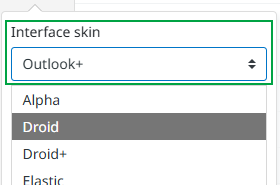
Choose your favorite webmail look and feel
Need to Know
Many instructions require use of the Options icon. Keep in mind each "skin" places this icon in a different location.
When choosing a new skin, familiarize yourself with the location of your options icon and other tools.