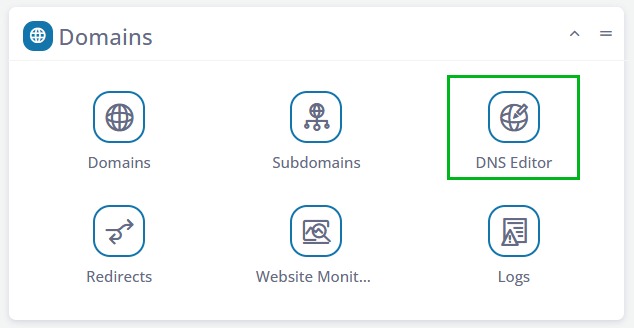
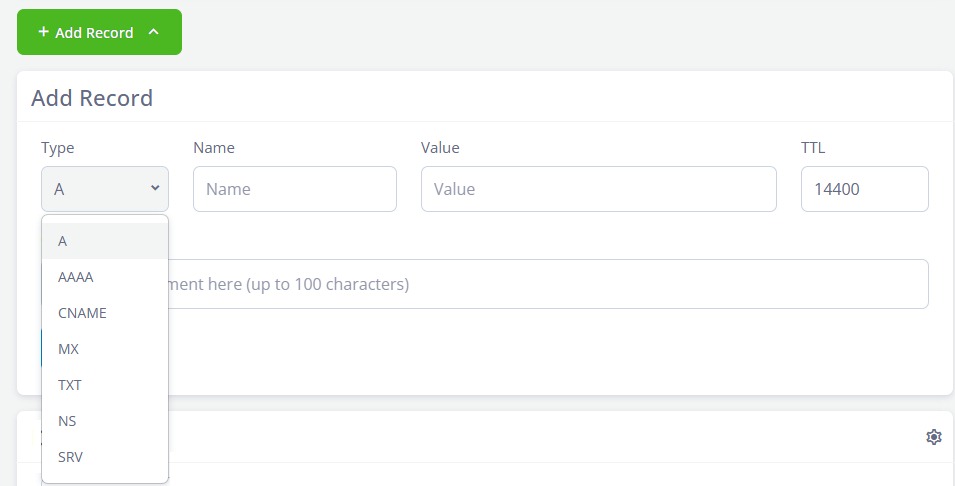
Manage MX, TXT, DMARC and other Zone Records
The COOLCOM DNS Plus program, offers extended features, and one of the those is the ability to point your MX Records at 3rd Party Email Provider.
This is the kind of tool required if you use GSuite or Microsoft Exchange, and other systems that require you to split your domain from its email by way of IP Addresses. Advanced configuration of your domains gives you the ability to remain in full control of your most important asset rather than leaving it to your hosting company.